Accounts & Billing Software
Invoices, estimates, receipts, taxes, ledgers, dues, credits and payment tracking.

Build billing software or a broader ERP with optional CRM for quotations, invoices, inventory, customer accounts, tax-ready records, payment follow-ups and management reports.
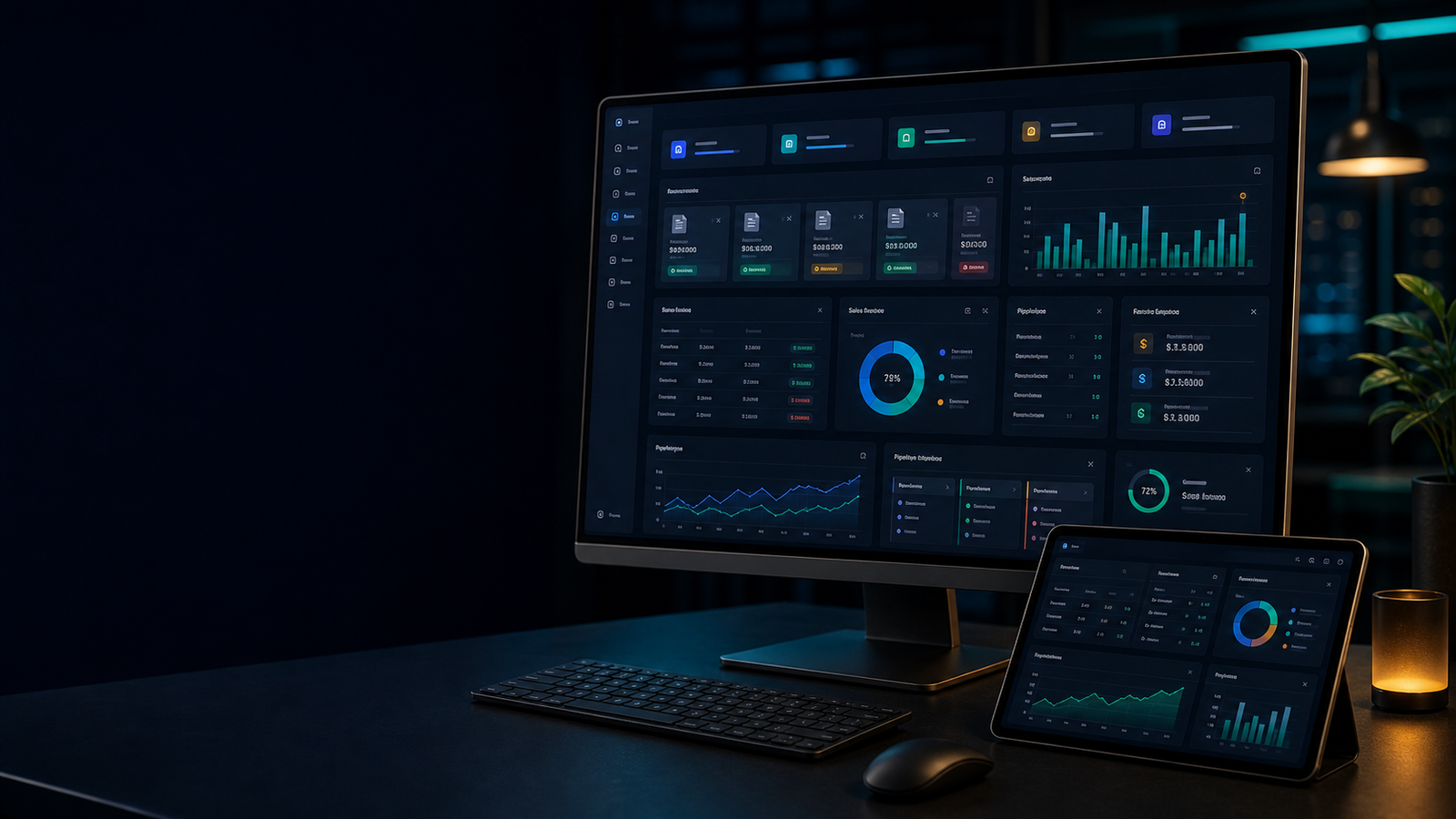
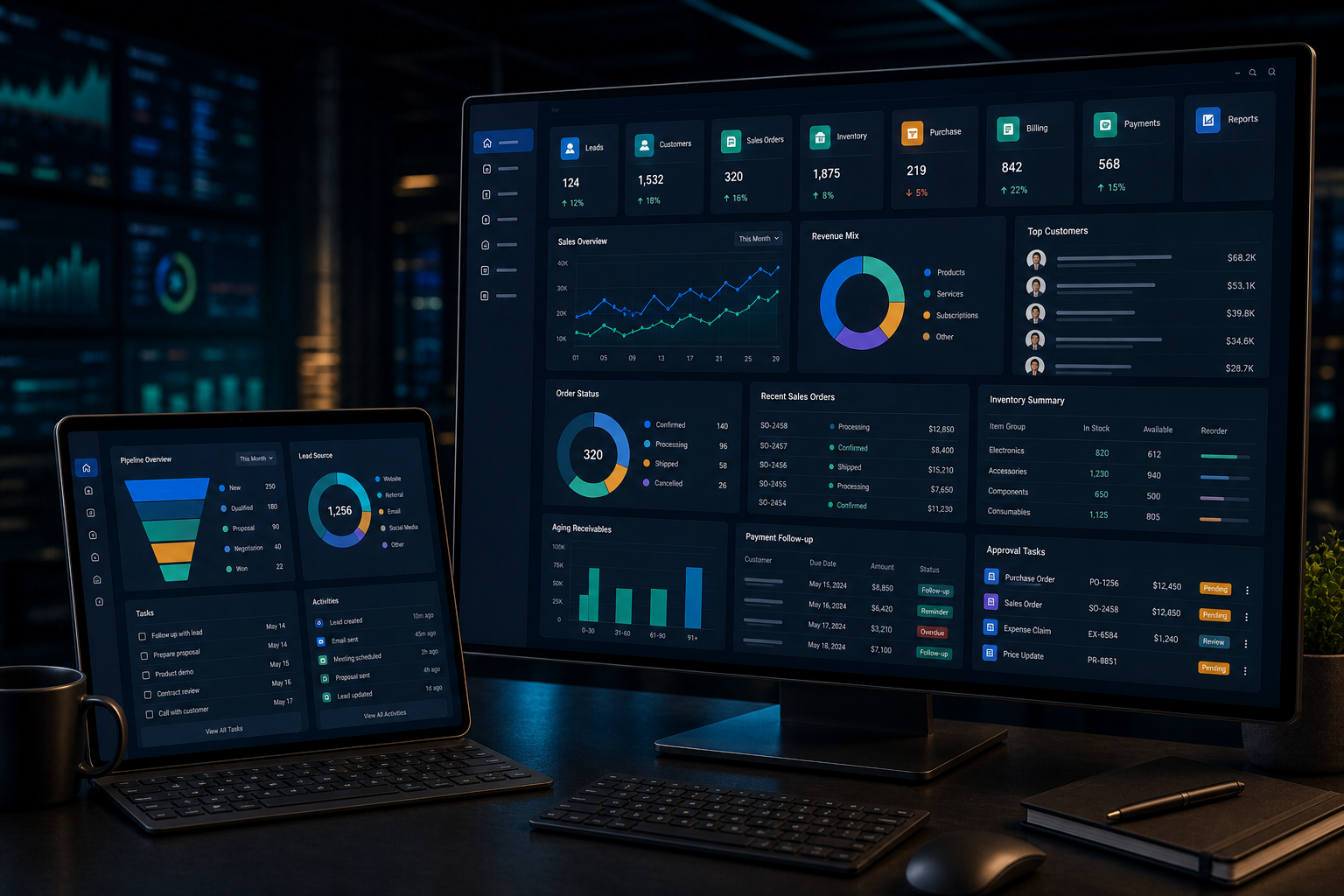
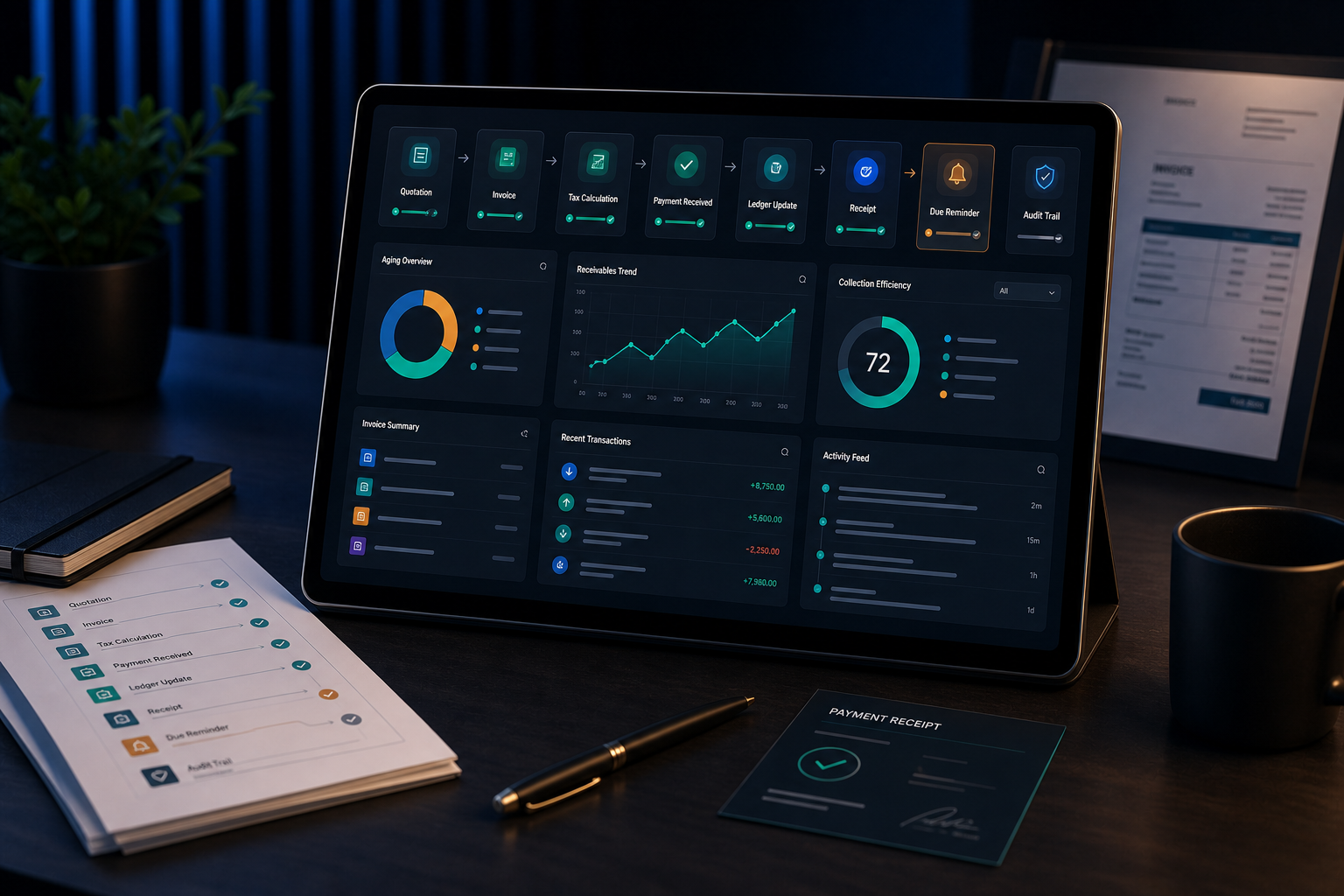
A stronger billing system helps teams reduce duplicate entry, avoid missing dues, connect inventory, standardize tax-ready transaction data and give owners better control over daily operations.
Invoices, estimates, receipts, taxes, ledgers, dues, credits and payment tracking.
Stock, purchases, sales, batches, items, pricing, GST/tax and inventory valuation visibility.
Sales, purchase, inventory, accounts, operations, reports and role-based management.
Leads, customers, quotations, follow-ups, sales orders, invoices and collection tracking.
Fast billing, barcode-ready workflows, stock movement, customer accounts and reports.
Orders, delivery, service jobs, estimates, invoices, payments and field coordination.
The exact scope depends on invoice rules, tax setup, items, customer accounts, warehouses, approvals, integrations and reports.
Create estimates, invoices, credit notes, receipts and structured transaction records.
Tax categories, item rates, invoice formats and compliance-oriented data capture as scoped.
Customers, suppliers, balances, payments, dues, outstanding and account statements.
Cash, bank, online payments, part payments, refunds, reminders and reconciliation support.
Items, units, stock in/out, purchase, sales, reorder alerts and warehouse/location needs.
Supplier purchases, customer orders, approvals, fulfilment and transaction handoff.
Cashier, accountant, sales, store, admin and management permissions.
Sales, purchase, stock, dues, profit signals, tax summaries and management dashboards.
Payment reminders, stock alerts, renewal notices, approval alerts and follow-up notifications.
Leads, quotations, customers, follow-ups, conversion and sales team visibility.
Payment gateway, accounting export, SMS, WhatsApp, email, barcode or API connections.
Access control, activity logs, backups, data protection and operational traceability.
Capture enquiry or customer
Prepare estimate or proposal
Confirm items or service
Bill with taxes and terms
Record payments and dues
Update customer account
Measure sales and cashflow
The system can start with billing and expand into ERP or CRM as the business needs. We define the right phase based on current pain points, team readiness and reporting priorities.
A useful scope requires invoice formats, tax rules, products, units, payment modes, opening balances, stock process, customer accounts, CRM needs and reporting expectations.
Invoice formats, tax rules, stock process, accounts and reporting priorities.
Role-based dashboards, billing screens, reports and practical data-entry flows.
Modules, business rules, workflows, transactions, admin and reporting.
Item coding, stock movement, purchase/sales linkage and scanning workflows.
Payment reminders, invoice links, customer updates and operational notifications.
Payment gateway, bank/payment data, exports and third-party system connections.
Customers, items, opening balances, stock and historic transaction import planning.
Issue handling, new reports, module improvements, backups and ongoing assistance.
| Need | Billing Software | ERP with Inventory | ERP + CRM |
|---|---|---|---|
| Primary purpose | Invoices, receipts, dues and accounts | Billing plus stock, purchase, operations and reports | Lead-to-cash journey from enquiry to payment |
| Best suited for | Service, retail or trading teams needing billing control | Businesses where stock and purchases affect billing | Sales teams needing quotation and follow-up visibility |
| Customer pipeline | Customer records and balances | Customer records, orders and inventory-linked sales | Leads, stages, follow-ups and conversion |
| Inventory | Optional or basic | Core module | Core module if included in ERP scope |
| Reports | Sales, dues, tax and statements | Sales, purchase, stock, dues and management reports | Sales pipeline, conversion, billing and collection reports |
| Available from us | Billing system | ERP scope | ERP with CRM scope |
For teams needing invoice, receipt, dues and customer-account control.
For businesses needing billing, stock, purchase and management reporting.
For teams that need lead tracking before quotation and billing.
Billing, accounts, stock, tax, approvals, CRM and reporting flow definition.
Dashboards, billing screens, item masters, ledgers and reports.
Scoped accounts, billing, inventory, CRM, purchase, sales and admin modules.
Payment, messaging, barcode, accounting export or external API connections.
Invoice checks, stock validation, reports, permissions, training and deployment.
Admin guidance, responsibilities, backup plan and improvement roadmap.
Separate cashier, sales, accounts, store and admin permissions.
Track important changes, billing actions and approval history.
Plan backup and recovery responsibilities around business continuity.
Protect customer, transaction, tax and payment-related records.
Business model, users, invoices, items, tax and reports.
Accounts, inventory, CRM, approvals and integrations.
Dashboards, invoice formats, forms and stakeholder feedback.
Billing, accounts, stock, CRM, reports and alerts.
Invoices, calculations, stock, reports, roles and migration.
Training, support, reports and phased enhancements.
Explain how billing and finance currently work.
Clarify expansion, migration and integration expectations.
Yes. A phased approach can start with billing, accounts and dues, then add inventory, purchase, CRM or integrations.
Tax-ready configuration can be scoped around your invoice formats and required data. Your accountant should confirm compliance rules and report expectations.
Yes. Inventory can connect sales, purchase, stock movement, units, pricing, reorder alerts and reports depending on scope.
Yes. CRM can include leads, stages, follow-ups, quotations, customer history and sales team reporting before invoice creation.
Yes, after reviewing customers, items, balances, stock, suppliers and transaction history for quality, format and validation.
Yes. Role design can separate sales, cashier, accounts, stock, manager and administrator responsibilities.
Often yes. Feasibility depends on provider APIs, permissions, documentation, costs and the exact workflow.
Yes. Support can include issue handling, backups, reports, enhancements, integrations and user assistance.
Share your billing process, stock needs, CRM requirement, reports, integrations and migration data. We can respond with a clearer phased scope.