Website experience review
See the proposed sitemap, conversion journey, mobile experience and content plan before development.
Explore capability
A useful demo is not a sales slideshow. It is a focused working session that connects your business problem with screens, journeys, integrations and a practical first phase.
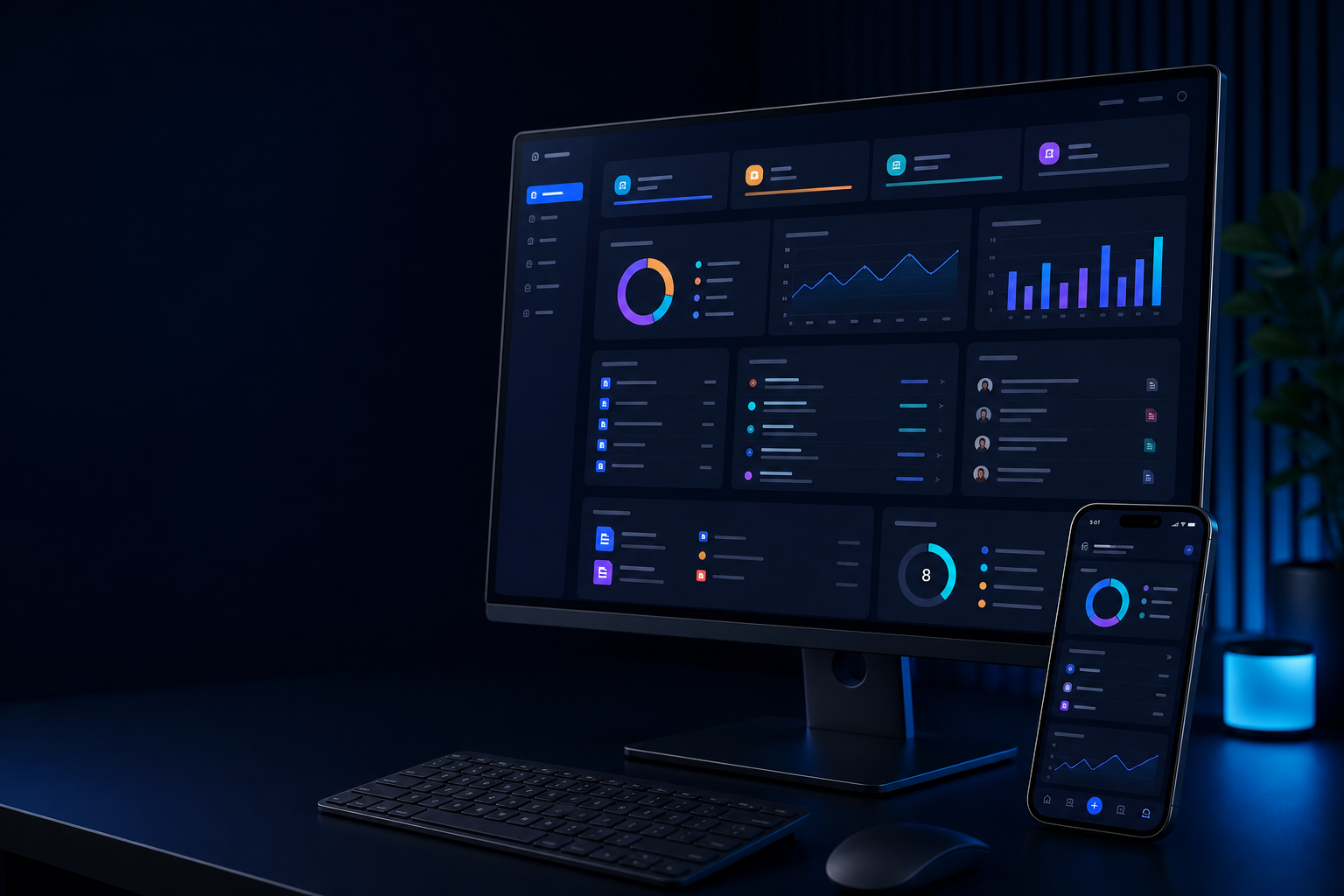
Select the closest path. We will focus the session on your users, operations and desired outcome.
See the proposed sitemap, conversion journey, mobile experience and content plan before development.
Explore capabilityExplore quotations, billing, inventory, accounts, dashboards and customer follow-up in one connected flow.
Explore capabilityReview role-based access, approvals, dashboards, documents, notifications and operational reporting.
Explore capabilityWalk through discovery, product pages, cart, payment, order operations and retention opportunities.
Explore capabilityMap devices, controls, alerts, data visibility and the automation roadmap for your environment.
Explore capabilityMatch students or working professionals with practical modules, projects and career outcomes.
Explore capability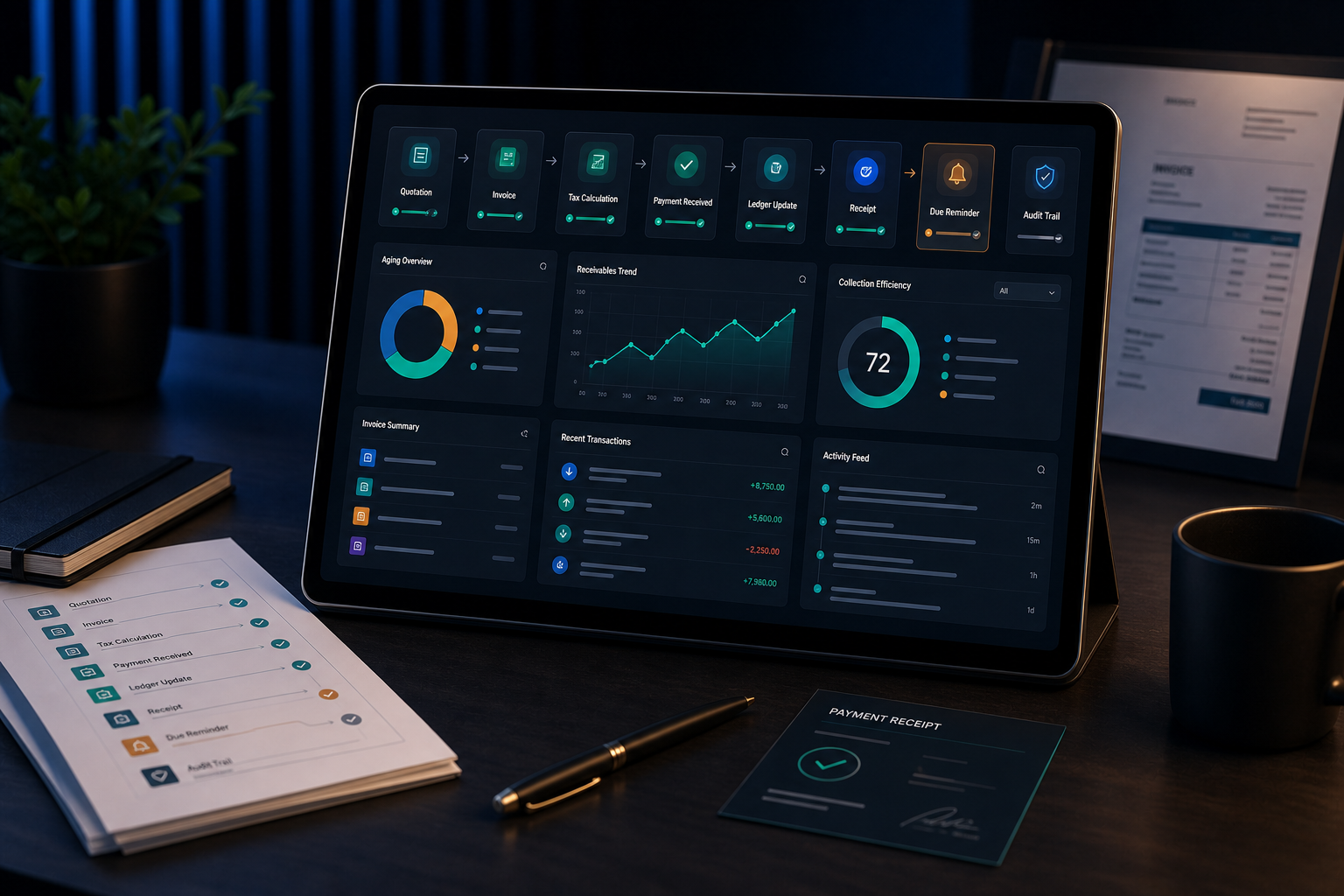

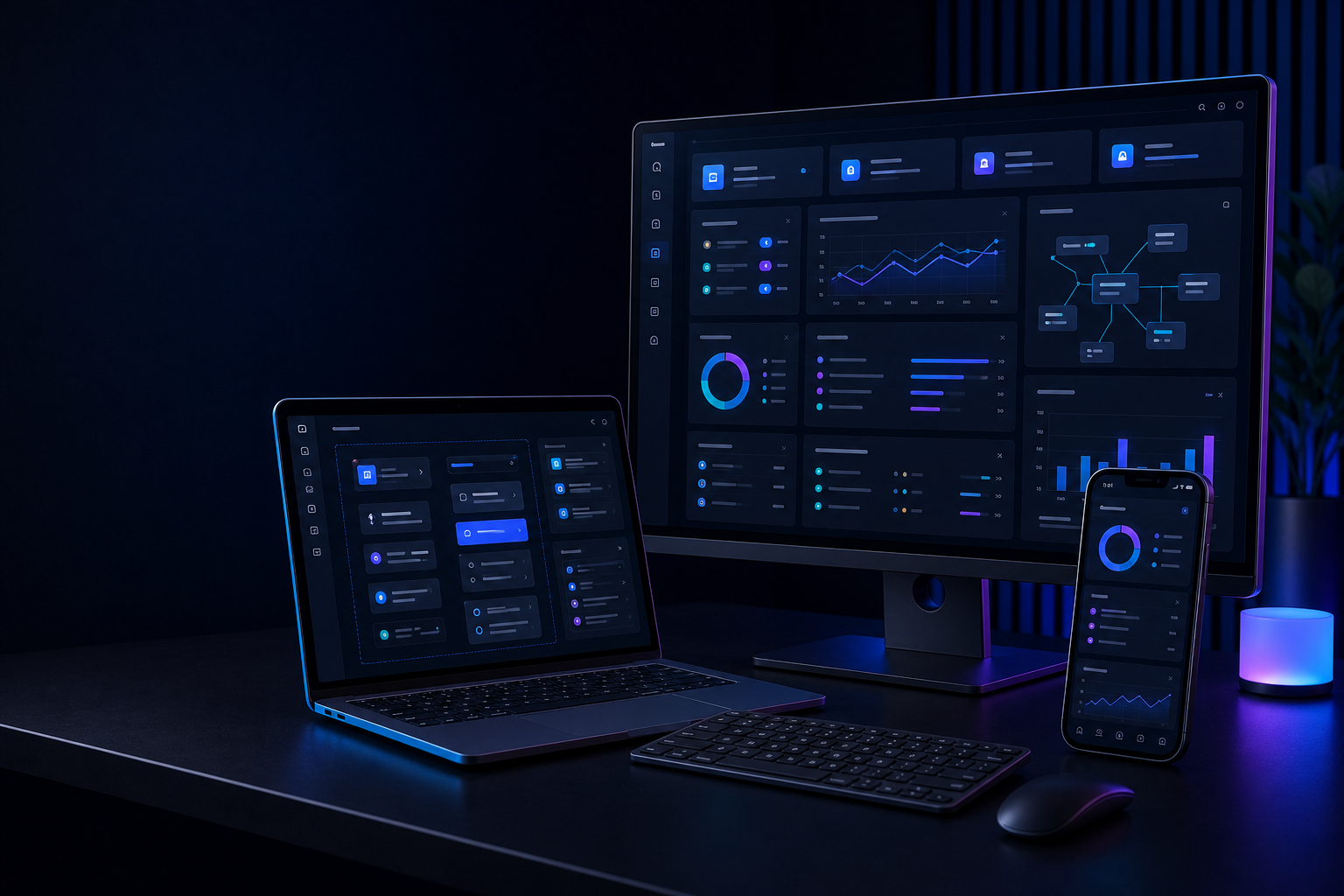
Your goals, current process, users and the problem worth solving.
Relevant screens, workflows, integrations and reporting examples.
What is ready, what needs customization and what should wait.
Recommended first phase, dependencies, timeline and next decision.
Even rough information helps us make the demo relevant. Sensitive details are not required for an initial discussion.
Tell us what you are evaluating and we will prepare the most relevant walkthrough.