Users, Roles & Permissions
Control team access, approvals, dashboards and module-level responsibilities.

Replace scattered registers, spreadsheets, repeated calls and disconnected tools with role-based software for records, workflows, billing, scheduling, reports and management visibility.
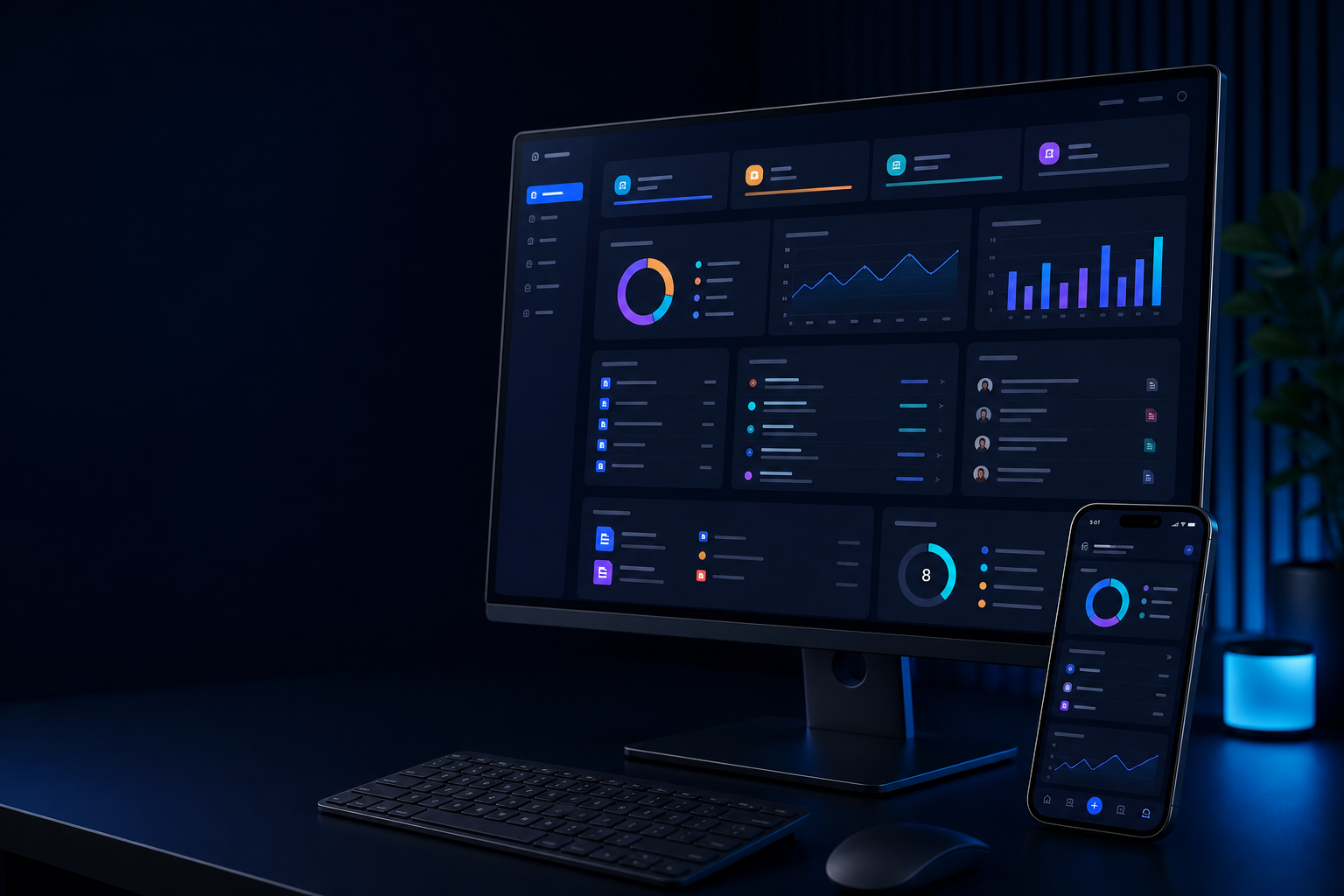


A useful system does not simply digitize a form. It clarifies who does what, what data is captured, what approvals are needed, how billing works and which reports help management act.
Invoices, estimates, receipts, ledgers, taxes, inventory links and payment tracking.
Explore this softwareReservations, rooms, housekeeping, guests, billing, reports and property operations.
Explore this softwareAppointments, patients, departments, billing, reports and healthcare workflows.
Explore this softwareMembers, plans, attendance, trainers, renewals, payments and fitness operations.
Explore this softwareStudents, fees, attendance, exams, transport, communication and administration.
Explore this softwareAdmissions, batches, courses, faculty, fees, learning operations and reports.
Explore this softwareThe final module set depends on your business process, users, compliance needs, reports, integrations and phased priorities.
Control team access, approvals, dashboards and module-level responsibilities.
Move requests, approvals, tasks and service operations through defined states.
Manage customers, students, members, patients, products, services or internal records.
Invoices, fees, receipts, estimates, payments, dues and transaction records.
Stock, items, rooms, equipment, resources, assets and operational availability as scoped.
Appointments, reservations, batches, classes, tasks, shifts and reminders.
Email, SMS, WhatsApp or in-system notifications for important events.
Operational reports, filters, exports, KPIs and management analytics.
Connect payment, accounting, CRM, messaging, hardware or external software.
Use practical desktop, tablet and mobile-friendly workflows as required.
Authentication, permissions, logs, backups and privacy-aware data handling.
Issue handling, improvements, monitoring, updates and post-launch support.
Record users, requests, items or transactions
Assign work to the right team or role
Review exceptions, payments or changes
Complete service, billing, stock or admin work
Store outcome, receipt, document or status
Measure performance and decisions
We plan the software around users, data, workflows, documents, billing, integrations, reports and support responsibilities so the system can become part of daily operations.
A useful software scope requires clarity on users, modules, rules, data, reports, integrations, security and who will operate the system after launch.
Processes, users, rules, reports, data and implementation priorities.
Role-based dashboards, screens, workflows and responsive interface design.
Business logic, modules, data, administration and operational workflows.
Payments, accounting, CRM, messaging, devices and external platforms.
Clean, map, import and validate approved existing records.
Environments, SSL, backups, monitoring and release setup.
Roles, permissions, audit trails, data exposure and operating controls.
Support, enhancements, issue handling, reports and continuous improvement.
| Need | Public Website | User Portal | Business Software |
|---|---|---|---|
| Primary purpose | Public information, trust and enquiries | Secure self-service and shared workflows | Internal operations, records and reporting |
| Typical users | Visitors, customers and prospects | Approved customers, partners, staff or members | Internal teams, operators, accounts and management |
| Operational records | Usually limited to forms or enquiries | Selected user-facing records | Core responsibility |
| Workflow complexity | Simple routing and contact capture | Role-based self-service journeys | Deep rules, approvals, transactions and reporting |
| Management reports | Marketing analytics | User activity and workflow visibility | Operational KPIs and exports |
| Available from us | Website development | Portal development | Software development |
For one department or a clearly defined process.
For multiple teams, modules, transactions and management reporting.
For complex operations needing phased digital transformation.
Users, modules, workflows, rules, reports, data and phased priorities.
Dashboards, forms, records, approvals and user-specific experiences.
Scoped business logic, administration, transactions and reporting.
Payment, messaging, accounting, CRM, device or third-party connections as scoped.
Workflow testing, data validation, deployment, training and launch support.
Admin guidance, operating responsibilities and improvement roadmap.
Roles, permissions, approvals and controlled exports.
Important activity history, changes and operational traceability.
Backup, recovery and environment responsibilities as scoped.
Privacy-aware records, retention and secure workflow planning.
Users, processes, records, pain points and outcomes.
Modules, rules, reports, integrations and phases.
Dashboards, forms, workflows and stakeholder feedback.
Business logic, records, workflows and integrations.
Roles, reports, data, devices, security and training.
Deployment, migration, support and enhancements.
Explain the operation the software must support.
Clarify what must migrate, connect and be protected.
Ready-made software can work when your process matches the product. Custom software is useful when workflows, integrations, reports or ownership needs are specific.
Yes. A focused first phase is usually best, provided the architecture considers credible future modules and integrations.
Yes, after reviewing source format, volume, quality, mapping, duplicates and validation responsibility.
Often yes. Feasibility depends on available APIs, vendor access, permissions, documentation and intended workflow.
Yes. Role and permission design is a core part of business software scope.
Responsive access can be included for suitable workflows. Some operational needs may require a dedicated mobile app.
Yes. Support can cover issue handling, improvements, reports, monitoring, hosting and new modules.
Timing depends on modules, workflows, data, integrations, reviews, migration and rollout. A realistic plan follows discovery.
Share your current workflow, required modules, data, integrations, security needs and priorities. We can respond with a clearer phased software scope.